Founder’s Personal Security Checklist, Part 5: Communications Security and Incident Response
Intro
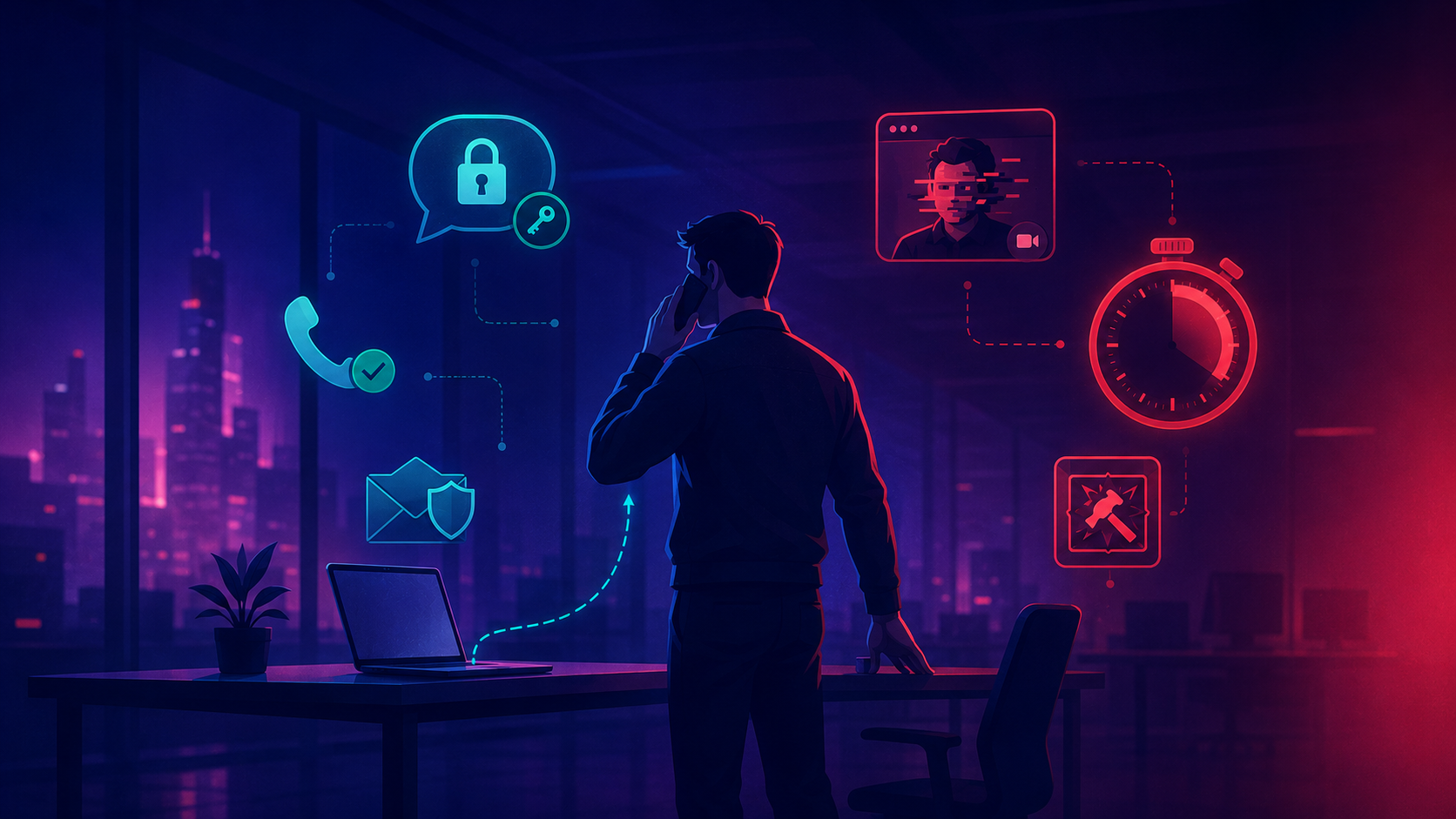
The earlier parts of this series hardened one thing at a time: your identity, your inbox, your laptop, your luggage. This part is about the connective tissue between all of them - how you talk to your team, and what you do in the hour after one of those defenses fails anyway.
An attacker who owns your email rarely stops at reading it. They watch how you talk to your CFO, learn your phrasing, and send a wire request that sounds exactly like you - because, technically, it is you. Communications are where a single compromised account turns into a company-wide problem. And when it does, the difference between a bad week and a catastrophe is usually decided in the first hour, by whether you had a plan or were improvising.
This part covers four layers:
- The communications threat model - what an attacker actually wants from your messages.
- Signal, done right - the settings and team habits that matter, and the ones that don’t.
- The rest of the stack - email, Slack, voice, video, and where each kind of conversation belongs.
- Incident response - a playbook a small company can actually use, and the first 60 minutes.
1. The communications threat model
1.1 What an attacker wants
Your messages are not interesting because of secrets like passwords - those leak elsewhere. They’re interesting because of context: who reports to whom, which deal is closing, who can authorise a payment, how you phrase a request when you’re in a hurry. That context is what turns a generic phishing email into a wire fraud that clears.
Two things leak, and they leak separately:
- Content - what was said. Protected by end-to-end encryption when you use it.
- Metadata - who talked to whom, when, how often, from where. Rarely encrypted, and often enough on its own. A spike in calls between a founder and an M&A lawyer says “deal” without a single word of content.
1.2 Where founders leak
Not through broken cryptography. Through habit:
- Sensitive coordination over SMS and personal email “just this once.”
- Group chats that accumulate members for two years and never lose any.
- Screenshots of private conversations forwarded into less-private ones.
- A laptop signed into the web version of every messaging app, inheriting all of it.
The threat model here is mundane and that’s the point. You don’t get owned by an NSA-grade exploit. You get owned because the term sheet was discussed in a 40-person Slack channel.
2. Signal, done right
2.1 Why Signal, what it does not do
Signal is the default for a reason: content is end-to-end encrypted, the protocol is open and audited, sealed sender hides who is messaging whom from Signal itself, and the organisation keeps almost no metadata to hand over. When subpoenaed, Signal can typically produce only the account’s creation date and last connection time, because that is all it has.
What Signal does not do:
- It does not hide that you use Signal, or protect you if your phone is unlocked in someone’s hand.
- It does not help if you link your account to a desktop that’s later compromised - the messages decrypt there too.
- It does not stop the other person from screenshotting, forwarding, or simply being the attacker.
End-to-end encryption protects the message in transit. It does nothing about the two endpoints, which are where founders actually get hit.
2.2 Settings that matter
Most of Signal’s defaults are good. A few are worth changing the day you install it:
- Enable Registration Lock. Settings → Account → Registration Lock. This requires your Signal PIN to re-register the number on a new device - without it, anyone who hijacks your phone number (see Part 2 on SIM-swap) can take over your Signal account.
- Set a username and hide your phone number. Signal added usernames in 2024. Give out the username, not your number, and turn off “anyone can find me by number.” Your phone number stops being your identity.
- Turn on disappearing messages by default. A sane default (four weeks, or one week for sensitive threads) means old conversations aren’t sitting on a seized or stolen phone forever.
- Enable screen lock and screen security. Screen lock gates the app behind biometrics/PIN; screen security blocks screenshots and hides content in the app switcher.
- Verify safety numbers for high-stakes contacts. For your co-founder, lawyer, and CFO, verify the safety number in person once. If it ever changes unexpectedly, that’s a signal - investigate before you send anything sensitive.
2.3 Team habits on Signal
Settings protect the device. Habits protect the team:
- Keep groups small and prune them. Every member is a potential leak point and a potential compromised endpoint. Sensitive groups should have a reason for each name in them.
- Treat linked devices as a liability. Audit Settings → Linked Devices regularly and remove anything you don’t recognise or no longer use. A forgotten Signal Desktop link is a quiet copy of everything.
- Don’t move secrets into “Note to Self.” It syncs to every linked device. It is convenient and it is not a vault.
NB! In 2022, attackers who phished Signal’s SMS provider (Twilio) were able to re-register roughly 1,900 users’ phone numbers and, for a handful, intercept the verification SMS. Accounts with Registration Lock enabled were not taken over. This is the entire argument for turning it on: it is the one setting that survives your phone number being compromised somewhere upstream, where you have no control.
Mapping how a founding team actually communicates - which channels carry which conversations, who’s in which group, what leaves a trail where - and tightening it without grinding work to a halt, is part of what our OpSec Audit covers, alongside the endpoint and identity gaps from earlier parts.
3. The rest of the stack
Signal is for the conversations that need it. Most of your day happens elsewhere, and “elsewhere” has weaker guarantees you should be honest about.
3.1 The tools you can’t avoid
- Slack is not end-to-end encrypted. Workspace admins can read channels, retention settings decide what persists, and a compromised admin account or a Slack-side breach exposes history. Treat Slack as a semi-public bulletin board inside your company, not a confidential channel. Cap message retention on sensitive channels rather than keeping everything forever.
- Email is permanent and forwardable by design. Anything in email should be something you’d accept being read aloud later. For genuinely sensitive material, send “let’s talk” over email and have the actual conversation somewhere else.
- Assume web sessions outlive the conversation. A laptop signed into Slack, Gmail, and WhatsApp Web carries all of it. This is the endpoint problem from Part 3, wearing a different hat.
3.2 Voice and video
Phone and video used to be the trusted channel - the thing you fell back to when you doubted an email. That assumption is gone.
- Caller-ID is trivially spoofed (Part 2). An incoming call showing your bank’s name proves nothing.
- Voice and video can now be convincingly faked in real time. The fallback channel needs its own verification.
The fix is a shared verification phrase or a callback rule: a word your inner circle agrees on out of band, or a policy that any payment instruction is confirmed by calling a known number back - never the number that called you.
NB! In early 2024, an employee at the engineering firm Arup paid out roughly USD 25 million after a video call in which every other “participant” - including the CFO - was a deepfake. The instructions felt legitimate because the faces and voices were familiar. Familiarity is no longer authentication. For anything that moves money or access, verify through a second, pre-agreed channel, every time.
3.3 A routing rule
You don’t need to encrypt everything. You need to know what belongs where, so the decision isn’t made ad hoc at 11pm:
- In person or verified voice - anything where being wrong is catastrophic: wire authorisations, firing decisions, legal strategy.
- Signal - sensitive but routine: deal progress, personnel discussion, anything you’d hate to see leaked.
- Slack / email - operational and non-sensitive: the 90% of work that doesn’t need protecting.
Write this down once, share it with the team, and the right channel becomes a habit instead of a judgement call.
4. The incident playbook
4.1 Write it before you need it
The moment you realise you’ve been breached is the worst possible time to figure out what to do. Adrenaline is high, information is incomplete, and every minute of hesitation is a minute the attacker keeps working. A playbook moves the thinking to a calm afternoon and leaves only execution for the bad day.
You do not need a 40-page document. A small company needs one page that anyone on the team can open and act on.
4.2 The minimum viable playbook
One page, kept somewhere reachable when your main systems are not:
- Roles. Who leads the response, who talks to customers, who calls the lawyer. For a five-person company this might be two names - but they’re named in advance, not chosen in the moment.
- An out-of-band channel. A pre-agreed place to coordinate that does not depend on the systems that might be compromised. If the breach is in your Google Workspace, you cannot run the response from Gmail and Google Chat.
- A contact list. Bank fraud line, cyber-insurance hotline, outside counsel, your registrar and key SaaS vendors’ security contacts. Phone numbers, not “I’ll look it up.”
- Decision authority. Who can take the site down, freeze payments, or pull a production key without waiting for consensus.
- Notification triggers. What legally obliges you to tell customers or regulators, and on what clock (GDPR’s 72-hour breach notification, for example). Knowing this in advance stops a security problem from becoming a compliance one.
NB! The single most common mistake in a small-company breach is coordinating the response on the compromised system - debating the Google Workspace incident in that same Workspace, where the attacker is reading along and watching you discover them. Your out-of-band channel is not optional. Agree on it now (a Signal group, a phone tree, anything independent) while it’s a five-minute decision instead of a crisis.
Designing a right-sized incident playbook - roles, out-of-band comms, notification clocks - and pressure-testing it with a tabletop exercise before a real incident is part of what our Awareness Training and IR engagements deliver.
5. The first 60 minutes
When something breaks - a phished login, a draining wallet, a laptop that just rebooted on its own at a border - the instinct is to investigate. Resist it. The first hour is for containment, not forensics. You can reconstruct what happened later; you cannot un-send a wire.
5.1 The checklist
Work top to bottom. The order is deliberate - it’s sequenced by how much damage each step prevents.
- Move to your out-of-band channel. Assume the compromised system is being watched. Coordinate everything else from somewhere independent.
- Cut active access. Sign out of all sessions, then change the password and re-set MFA on the breached account first, then on the crown jewels: primary email, password manager, domain registrar, cloud console, banking.
- Freeze money movement. Alert anyone with payment authority, flag the bank, pause pending transactions. Fraud is hardest to reverse and easiest to prevent in the first minutes.
- Preserve evidence. Do not factory-reset or wipe the affected device yet. Screenshot what you see, note timestamps. You’ll want this for insurers, regulators, and the actual fix.
- Notify the small circle. Co-founder, whoever owns security, counsel if money or customer data is involved. Keep it tight until you know more.
- Start a timeline. Write down what you find and when, as you go. Memory is unreliable under stress, and you’ll need this account later.
5.2 What not to do
- Don’t panic-wipe. Destroying the compromised device feels decisive and erases the evidence you need to understand the blast radius.
- Don’t tip off the attacker before you’ve contained them. If they don’t yet know they’ve been spotted, finishing containment first denies them the chance to burn things down.
- Don’t go solo. Founders try to handle breaches quietly to avoid looking careless. The quiet handling is how a contained incident becomes an unbounded one.
- Don’t skip the write-up. “We’ll remember” - you won’t, and the post-incident review is where the next breach gets prevented.
NB! Containment and investigation pull in opposite directions, and under pressure people choose investigation because it feels productive. It isn’t. Knowing exactly how they got in can wait an hour; stopping them from doing more cannot. Contain first, understand second - in that order, every time.
For founders and teams without an in-house security function, we provide both the upfront preparation and the someone-to-call when the hour actually arrives - see Incident Response and our Personal Cybersecurity engagement.
Conclusion
Communications and incident response come down to a few procedural habits:
- Match the channel to the conversation. In-person or verified voice for the catastrophic, Signal for the sensitive, Slack and email for the rest.
- Turn on Registration Lock and a username in Signal, and verify safety numbers for your inner circle.
- Verify anything that moves money or access through a second, pre-agreed channel - faces and voices no longer prove identity.
- Write the one-page playbook before you need it, and agree on an out-of-band channel today.
- In the first hour, contain before you investigate. Cut access, freeze money, preserve evidence, write it down.
In the final part of this series, we’ll step back from individual defenses and put the whole checklist together - how to threat-model yourself honestly, how to run an annual security review without it eating a week, and what “good enough” looks like so you can close the checklist and get back to running your company.
Stay safe - and remember, the breach is rarely what ends a company. The hour you spend deciding what to do about it is.
Author: Dmitry Slinkov